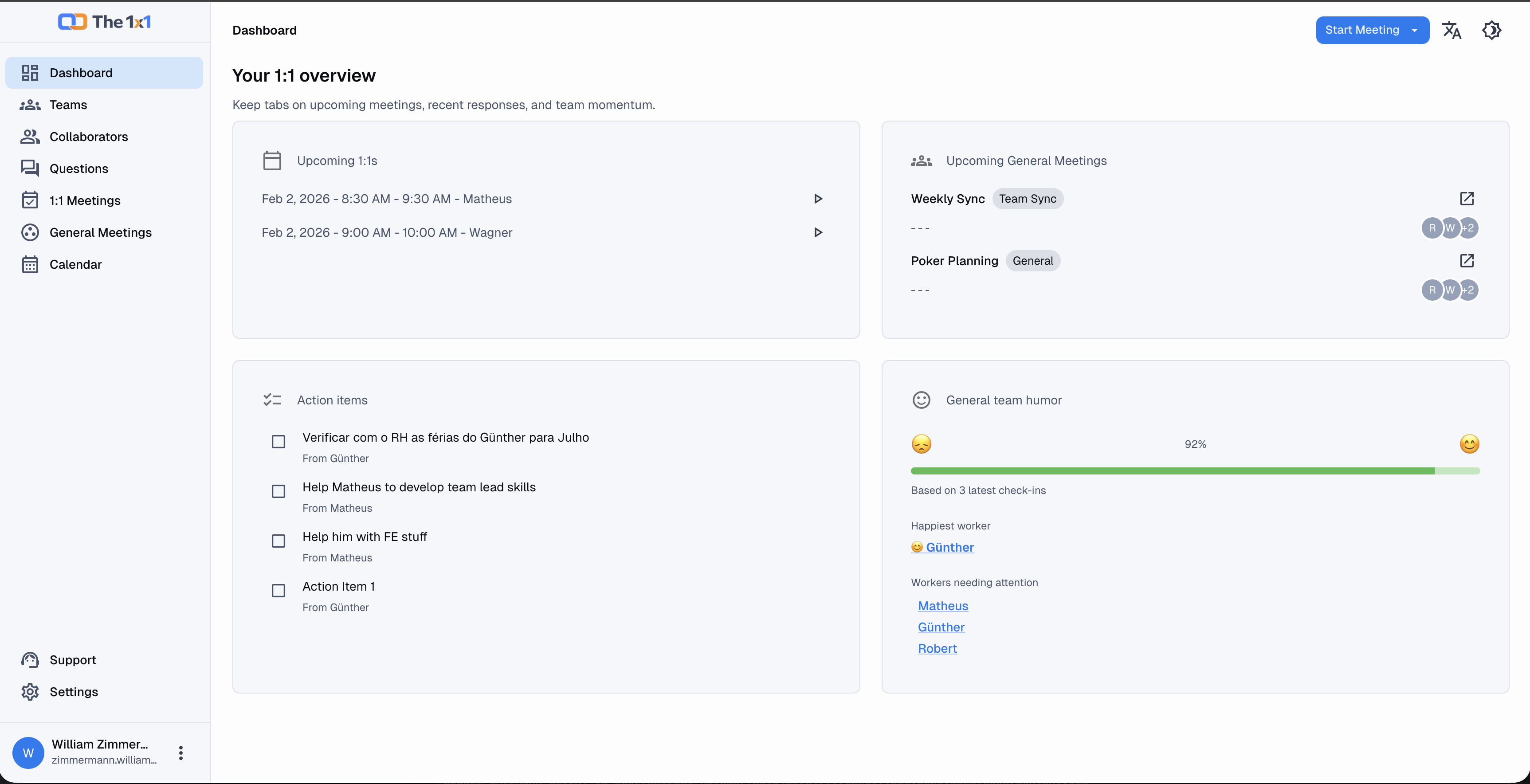
January 2026: The 1x1 features (v. 1.6.0)
Discover all The 1x1 features and understand how the tool helps leaders create more human, consistent, and effective 1:1s.
William Zimmermann

Effective 1:1s: everything The 1x1 does (and why it matters)
1:1s are not a modern corporate ritual invented by HR. They exist because they work.
When done well, they create alignment, trust, clarity, and continuous growth.
When done poorly, they become vague conversations, forgotten the following week.
The 1x1 was born from this exact problem: leaders want to run good 1:1s, but memory fails, context gets lost, and follow-up disappears.
This article presents all The 1x1 features as of the end of January 2026, explaining not only what the tool does, but why each part exists.
What is The 1x1?
The 1x1 is an online tool designed for leaders, managers, and HR teams who hold recurring 1:1 meetings with their collaborators.
The focus is not the meeting itself, but the human history behind it:
- What was discussed?
- What was promised?
- What progressed?
- What is still blocked?
The tool works as an external memory for the leader — structured, ethical, and organized.
Team structure (Teams)
In The 1x1, everything starts with team organization.
You can:
- Create one or more teams;
- Add collaborators to each team;
- Keep collaborators without a team, if needed (for example, consultants or cross-functional roles).
This allows leaders with multiple responsibilities to have a clear view of who is under their management and the context in which each person operates.
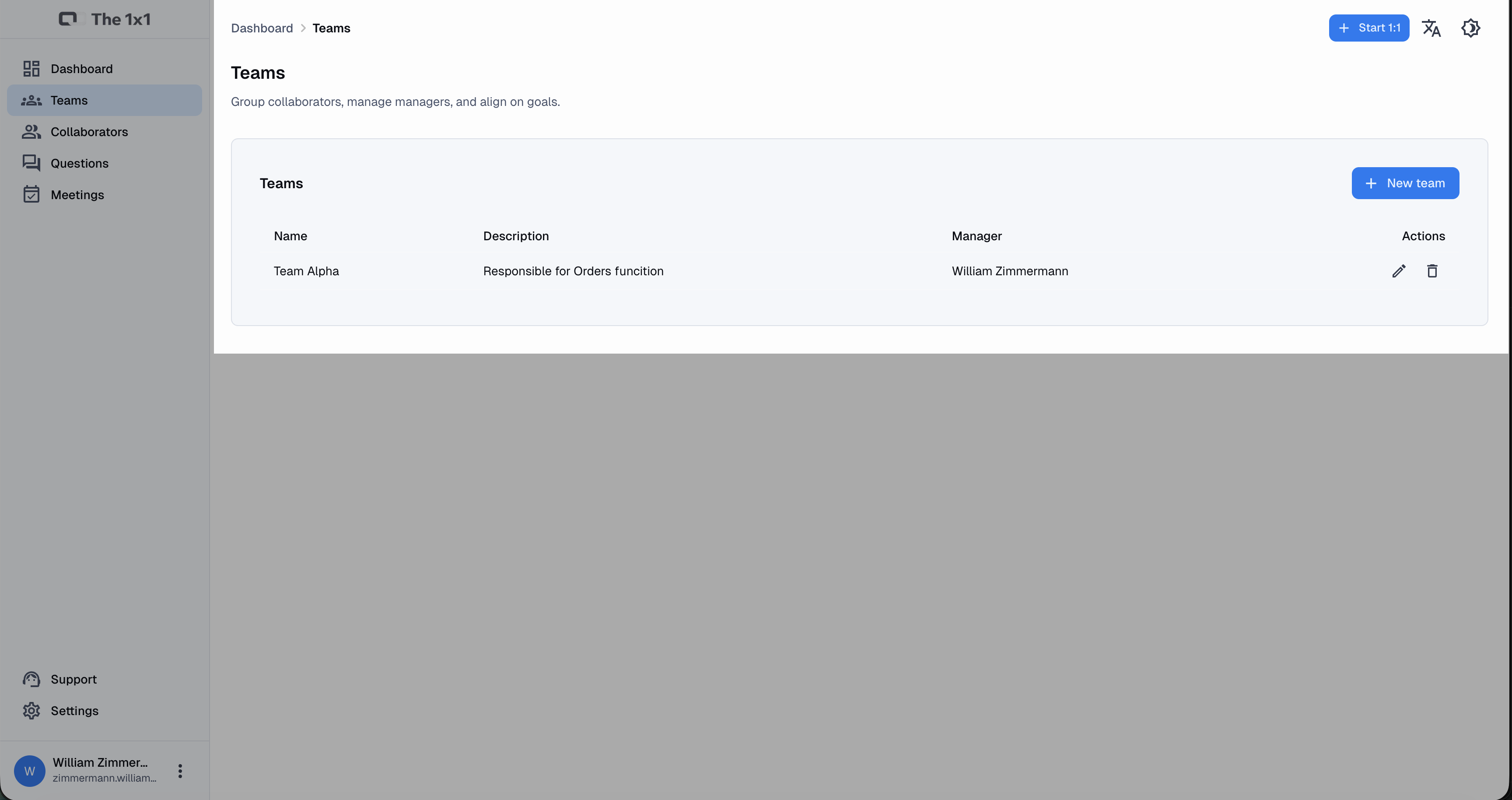 Team management screen, where you organize collaborators by team.
Collaborator management
Each collaborator has a dedicated space within the system.
There you’ll find:
- The complete history of 1:1 meetings;
- Notes associated with each meeting;
- Open or completed action items;
- Mood and rating indicators.
Nothing gets lost between meetings. Context follows the person, not the calendar.
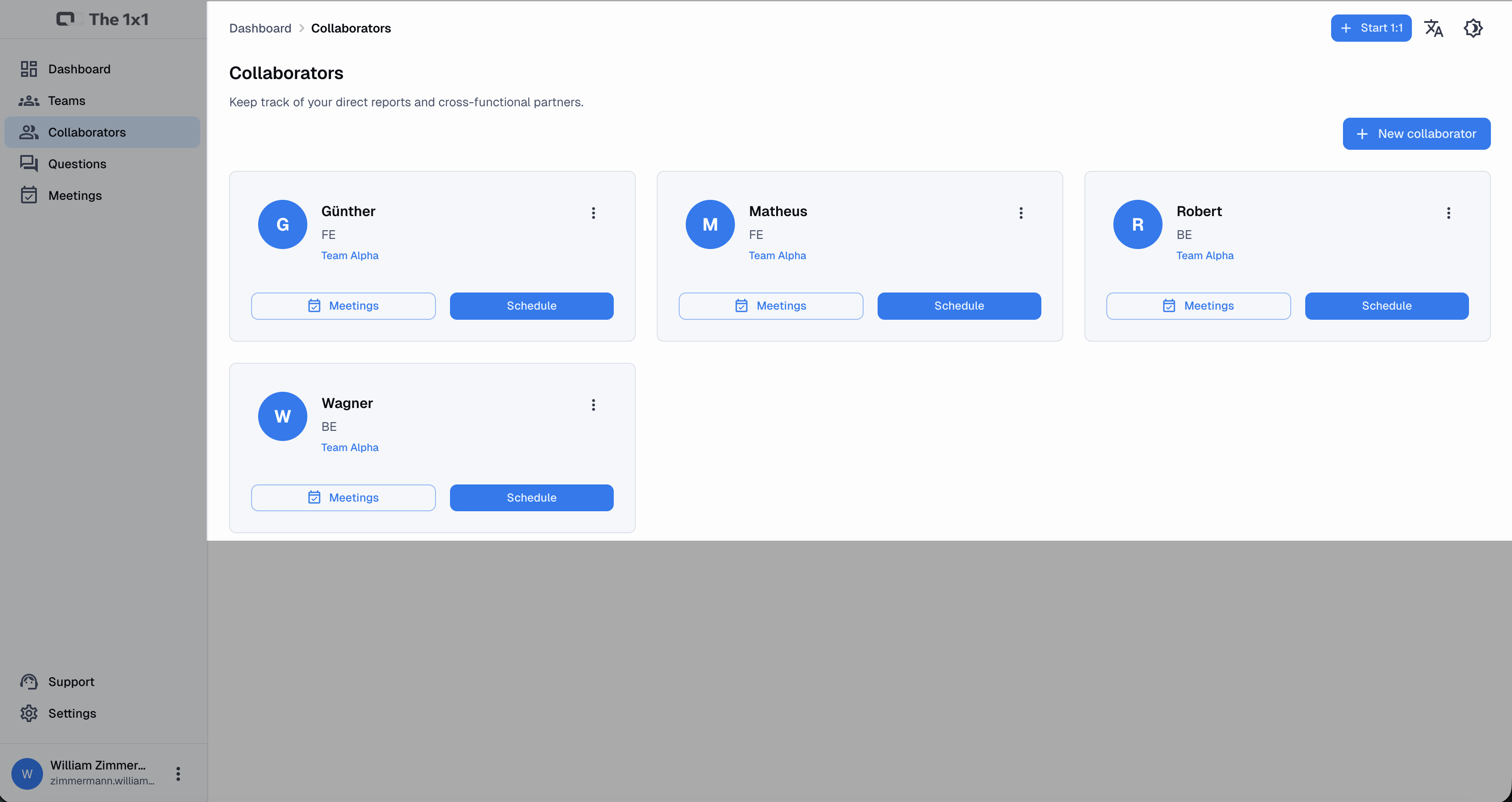 Overview of collaborators and their teams.
Scheduling 1:1 meetings
The 1x1 lets you:
- Create 1:1 meetings with date, time, and time zone;
- Define recurrence (weekly, biweekly, monthly, etc.);
- Associate the meeting with a specific collaborator.
In addition, you can:
- Download the event to a calendar (Google Calendar, Outlook, Apple Calendar);
- Resend invitations when needed;
- Cancel meetings — which automatically invalidates external access associated with them.
The idea is simple: less logistical friction, more focus on the conversation.
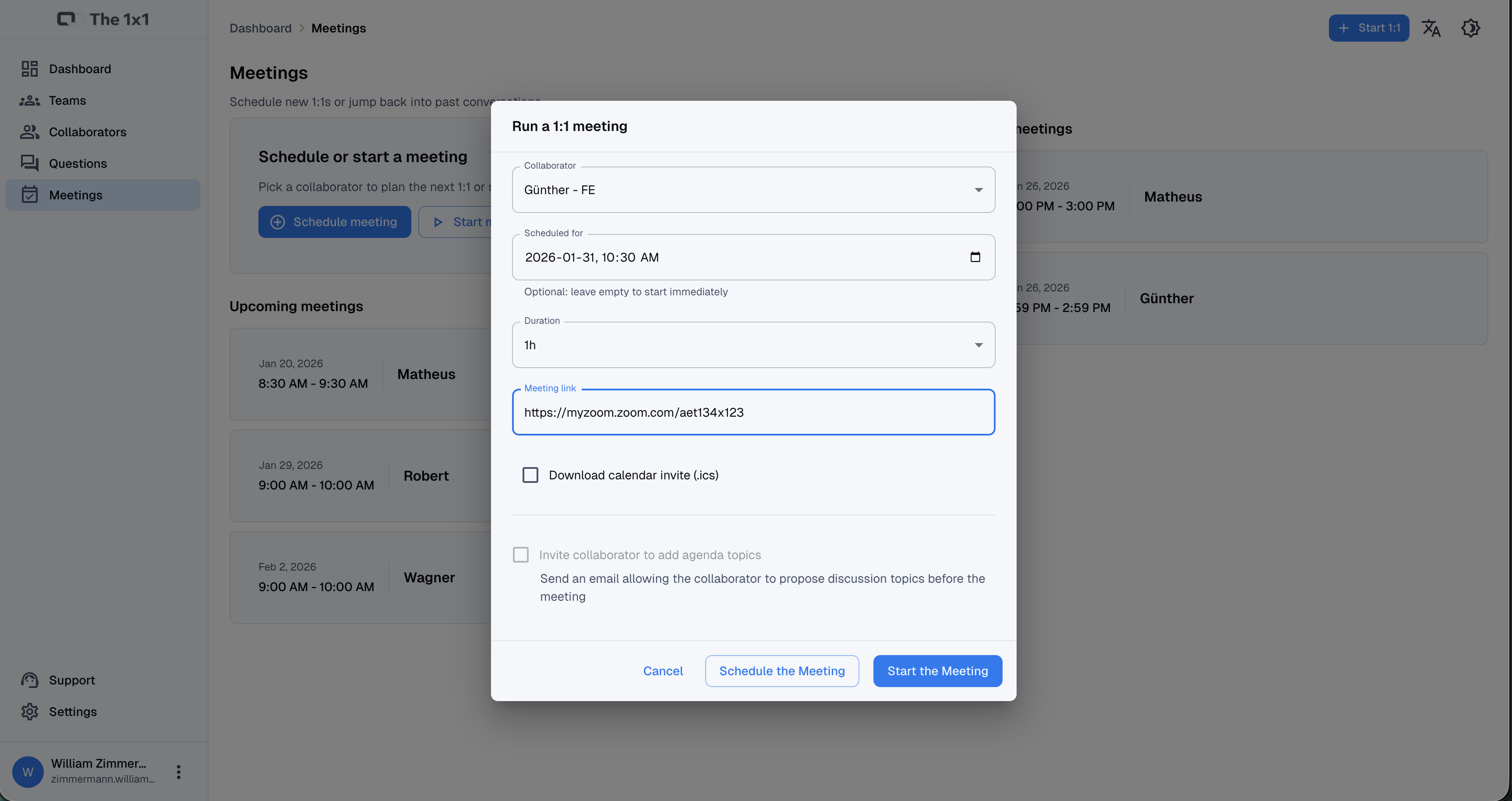 Meeting creation screen with recurrence and time zone options.
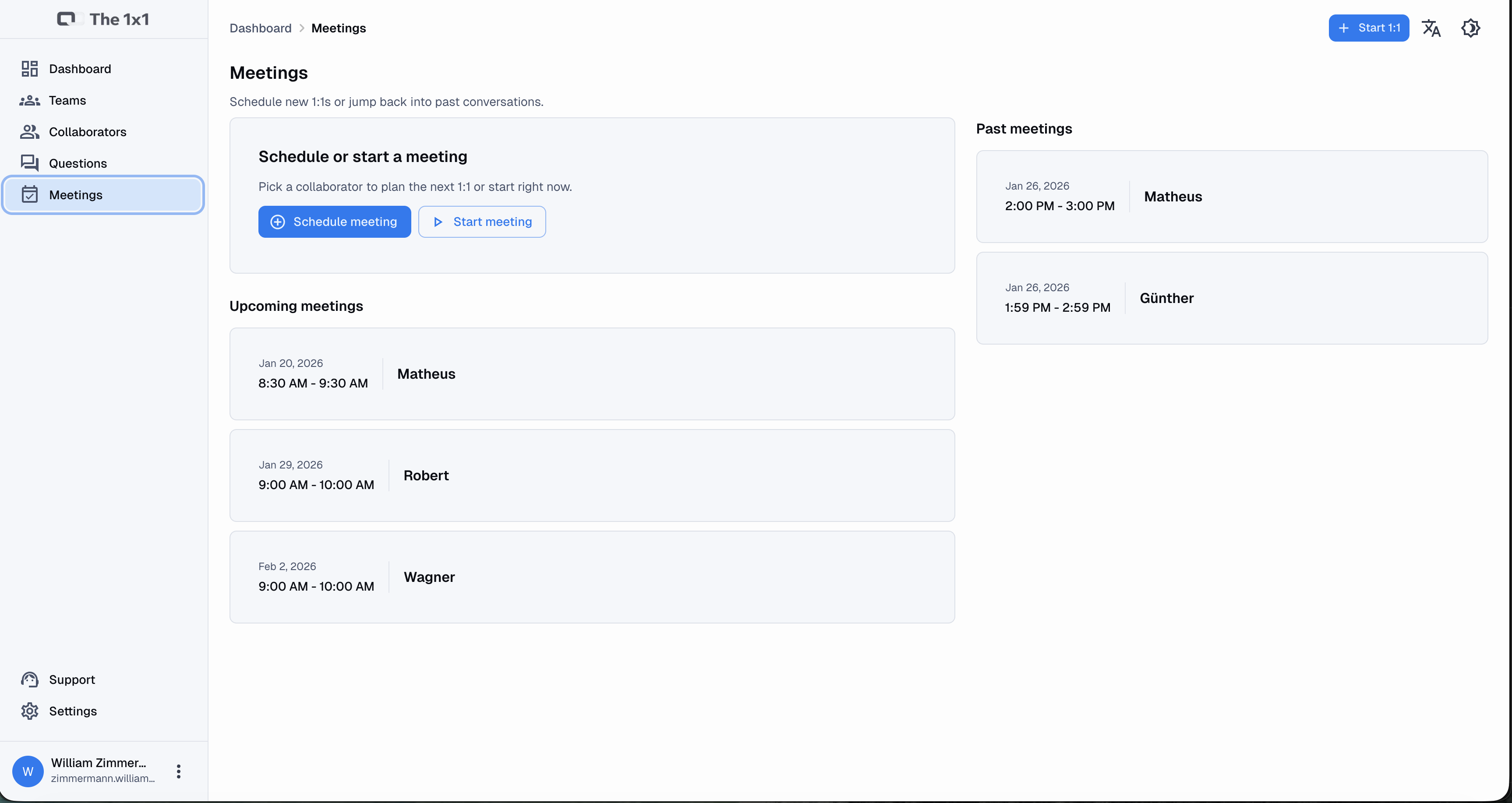 All your 1:1 meetings organized in one place.
Collaborator invitation (no login)
An important feature — and one often ignored by other tools — is the ability for the collaborator to participate in the agenda without needing to create an account.
Through a secure link, the collaborator can:
- View the meeting topics;
- Add their own topics (up to a defined limit);
- Edit or remove only the permitted topics.
This completely changes the meeting dynamic: it stops being one-sided and becomes co-created.
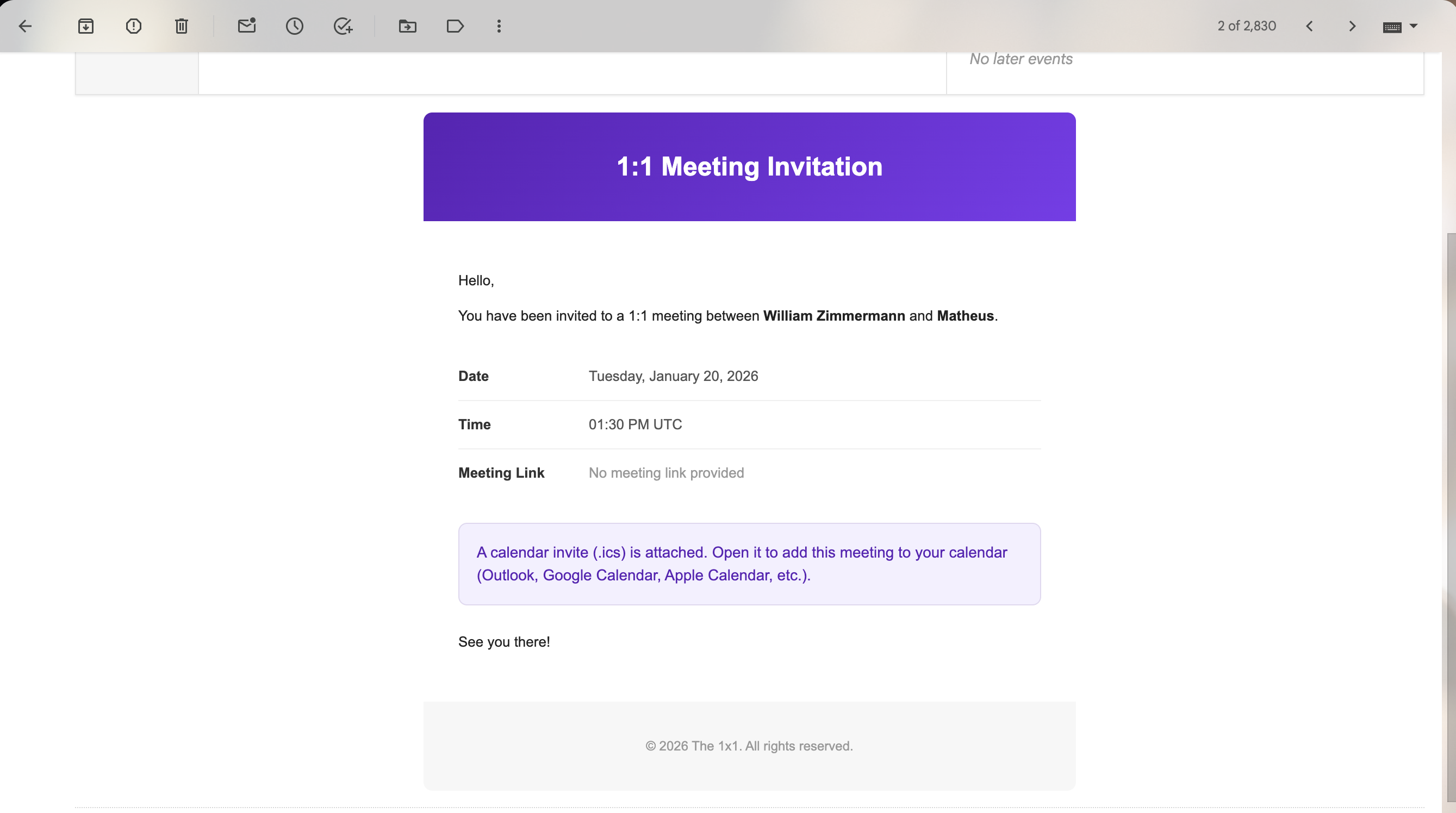 Email the collaborator receives to access the meeting agenda.
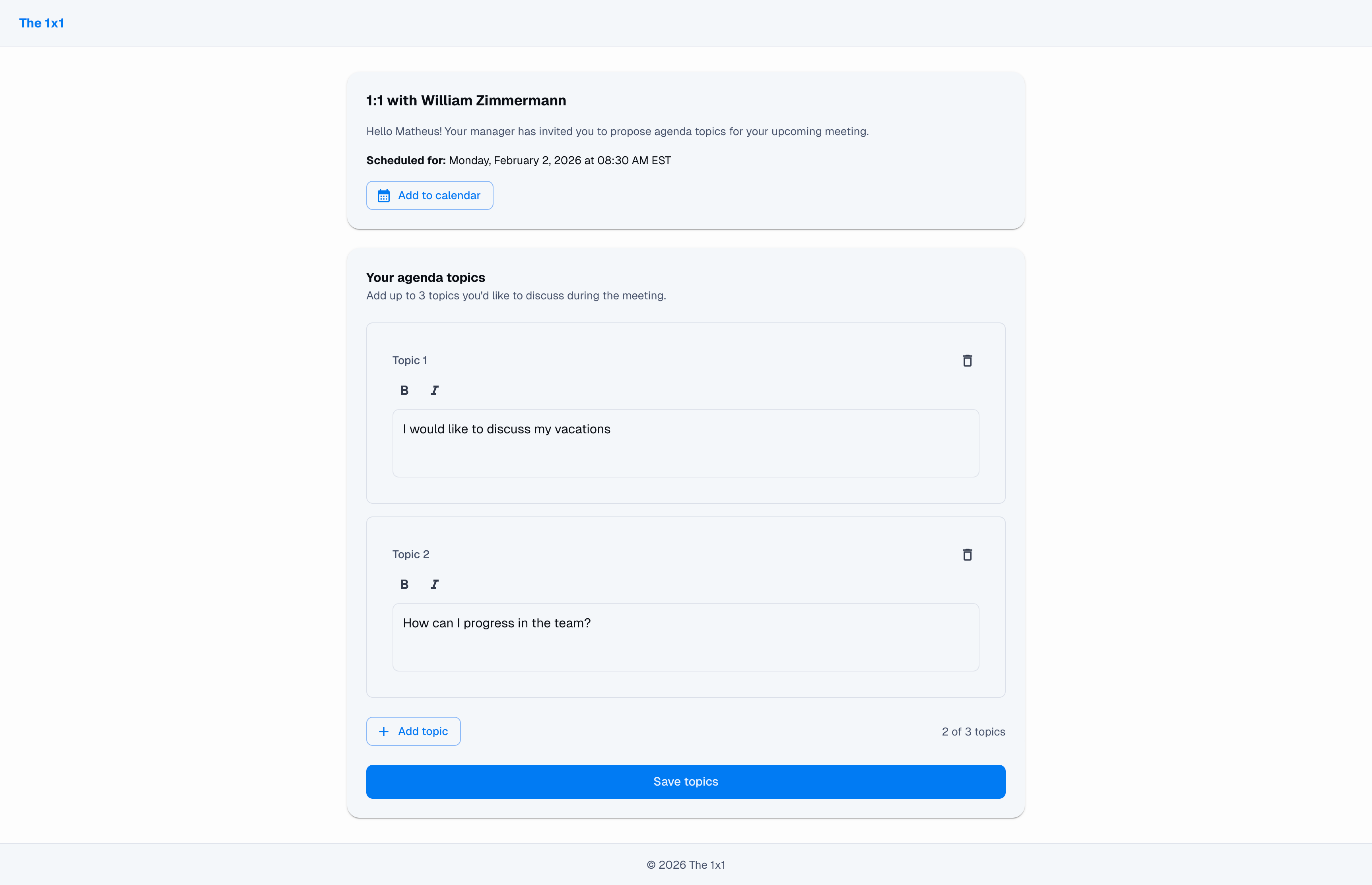 Collaborator view: can see and add topics to the agenda.
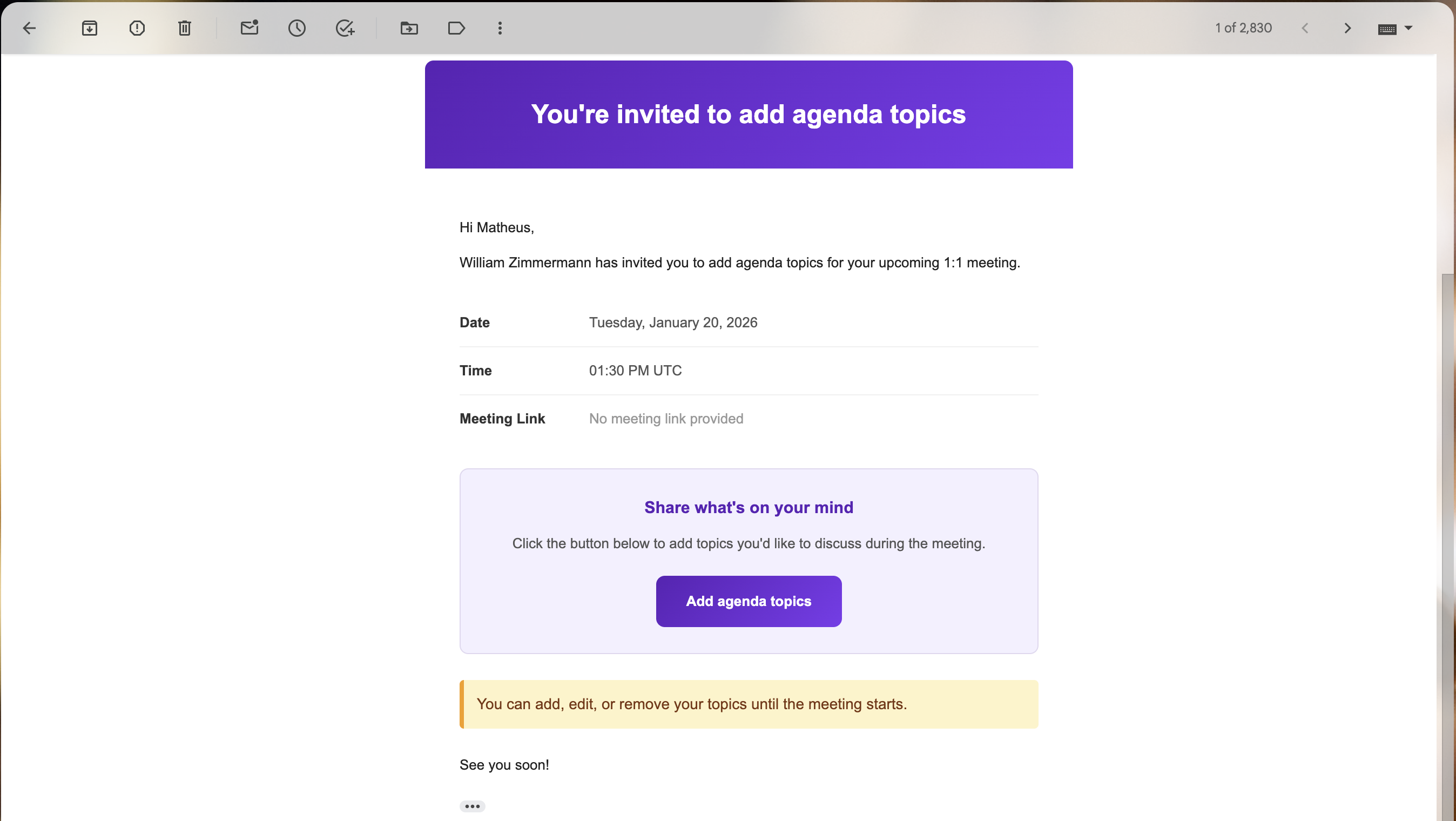 Automatic confirmation when the collaborator adds a topic.
Structured meeting agenda
Each meeting has a clear agenda, which may include:
- Predefined questions;
- Questions customized by the leader;
- Topics brought by the collaborator.
This structure avoids two classic problems:
- Meetings that turn into random conversation;
- Overly rigid meetings.
Here, the agenda guides, but does not constrain.
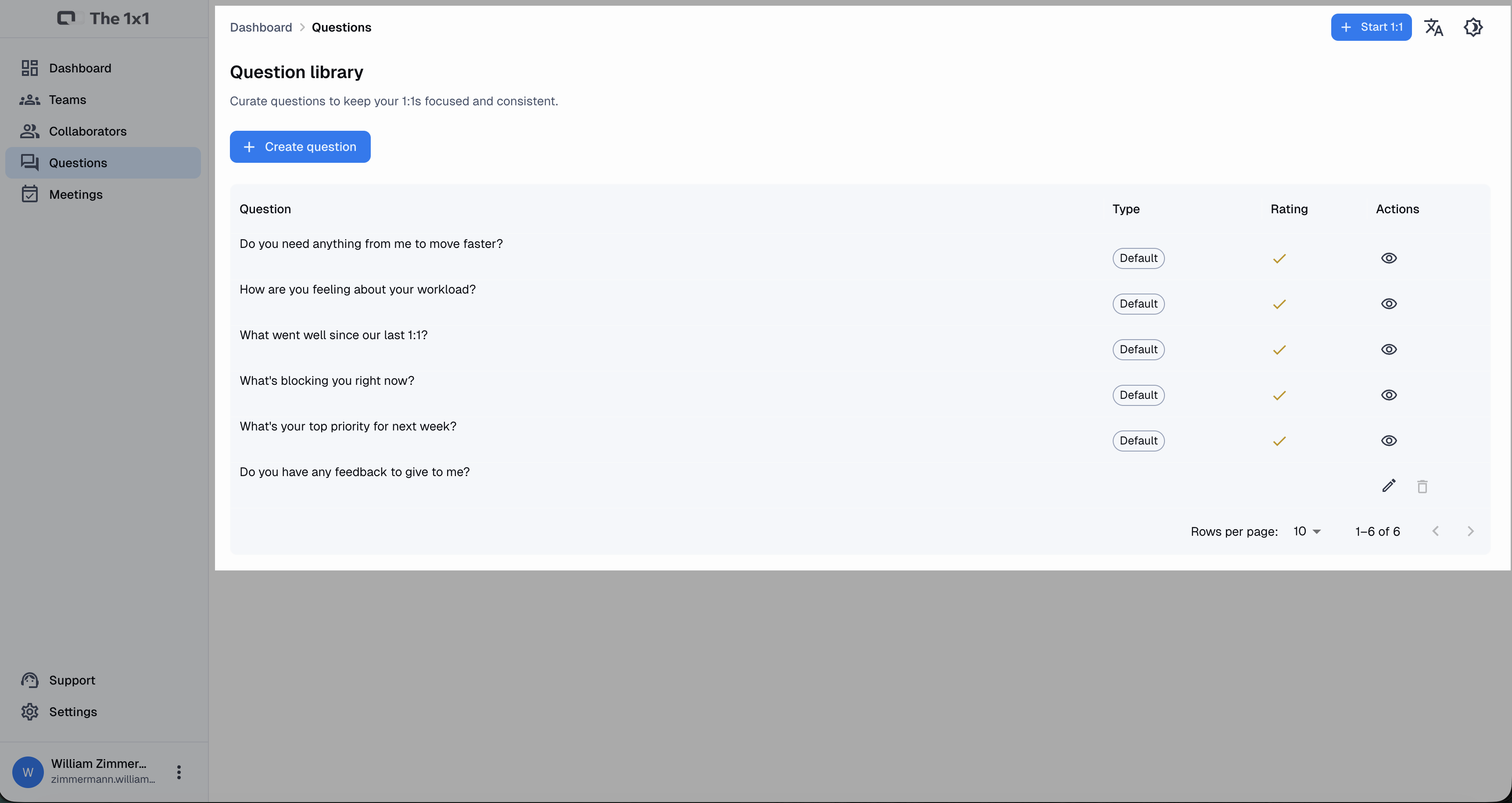 Library with ready-made and custom questions to structure your meetings.
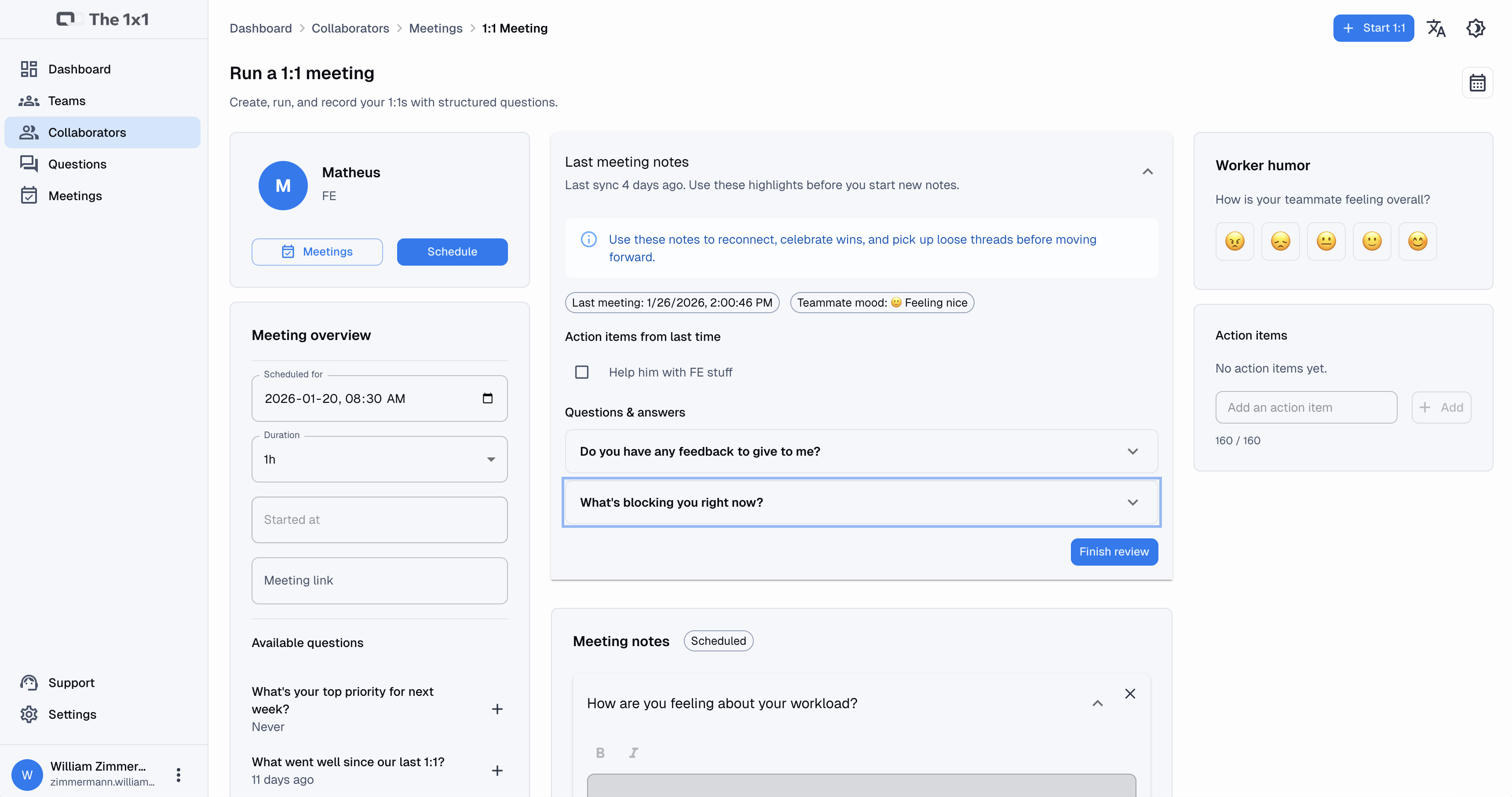 Structured agenda with questions and collaborator topics.
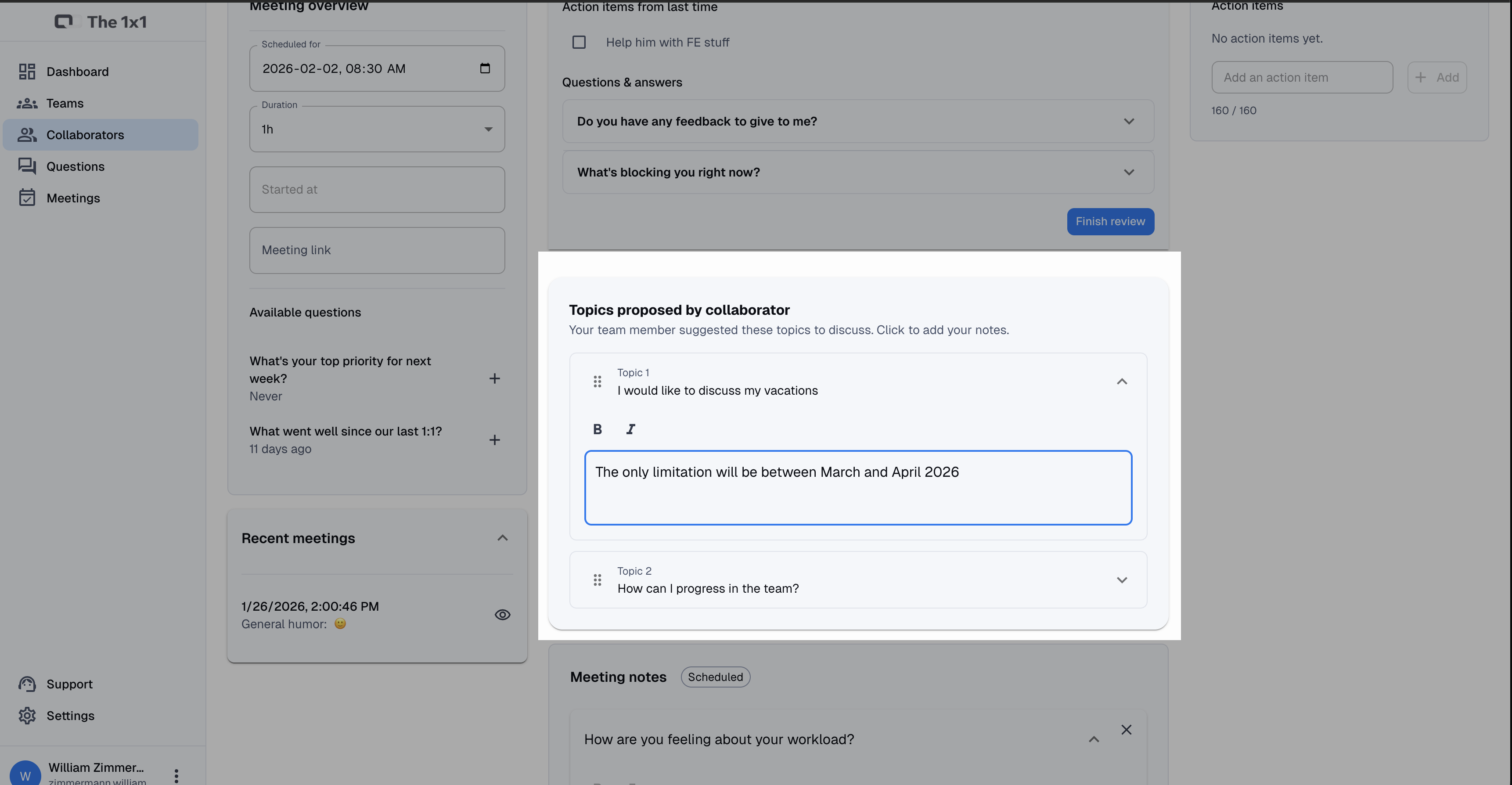 Manager view showing the topics the collaborator added.
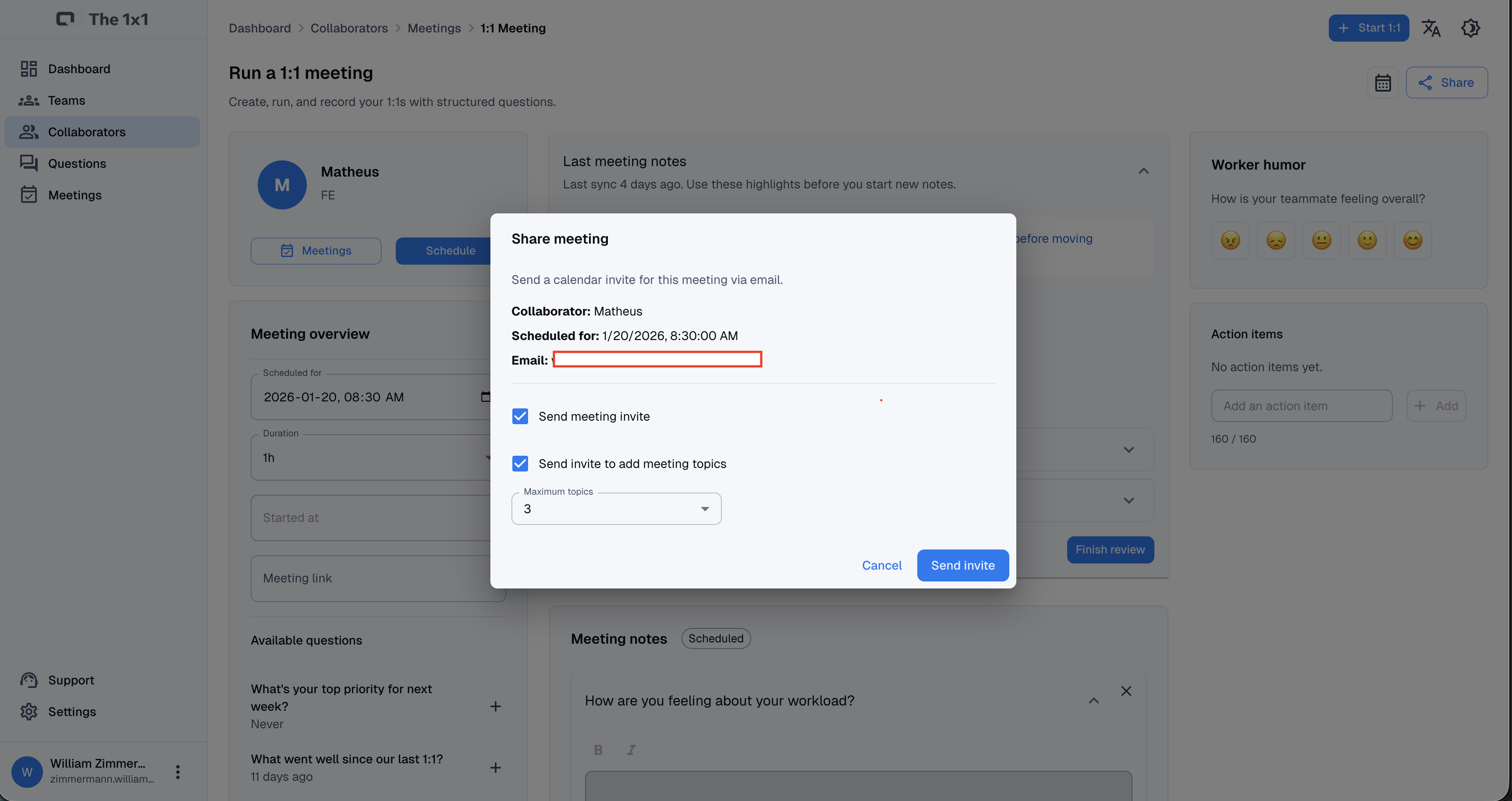 Interface to generate the meeting sharing link.
Meeting notes (the heart of the system)
During or after the meeting, the leader can record notes specific to that session.
These notes:
- Stay linked to the meeting;
- Don’t get mixed with other conversations;
- Can be revisited before the next 1:1.
Before starting a new meeting, The 1x1 automatically reminds you:
- What was discussed last time;
- Which items remained pending;
- Which commitments are still not closed.
This creates real continuity — something rare in practice.
Action Items
Conversations without follow-up create frustration.
That’s why The 1x1 lets you create Action Items, which are:
- Concrete actions derived from the meeting;
- Assigned to the leader, the collaborator, or both;
- Marked as open or completed.
These items reappear in subsequent meetings until they’re resolved.
Nothing falls through the cracks by accident.
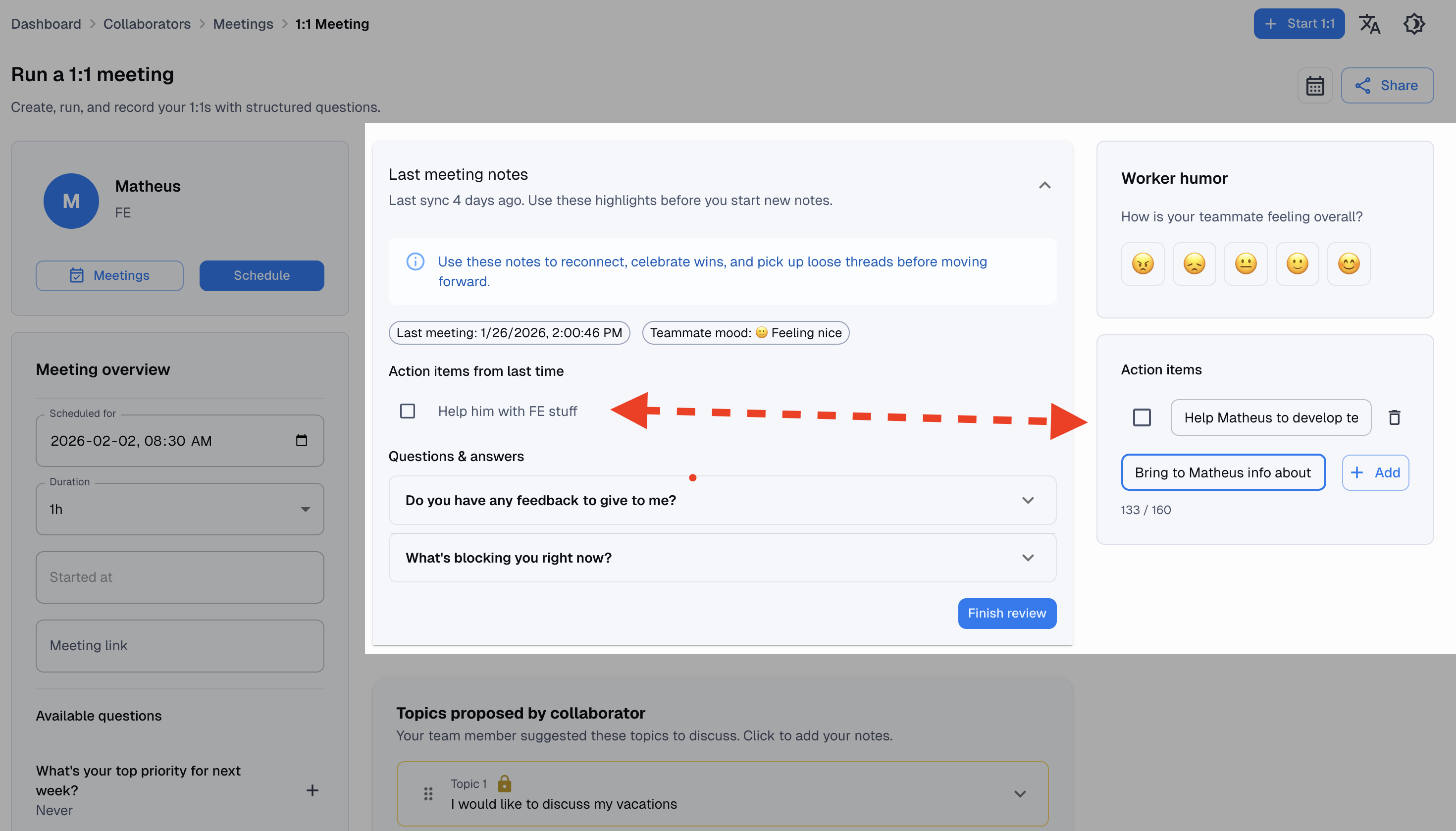 Tracking action items derived from meetings.
Rating (1–5)
Each meeting question can optionally have:
- A numeric rating (from 1 to 5);
- Tracking over time.
This isn’t meant to “measure people,” but to:
- Identify patterns;
- Notice progress or regression;
- Support decisions with data, not just intuition.
The data is simple, but accumulated over time it tells important stories.
Mood indicator
Beyond numbers, the system lets you record the collaborator’s emotional state during the meeting, using a fixed set of indicators (for example: very good, good, neutral, bad).
This helps the leader to:
- Contextualize performance drops;
- Notice difficult periods;
- Avoid analyses that are too cold about real human beings.
Over time, emotional patterns also become visible.
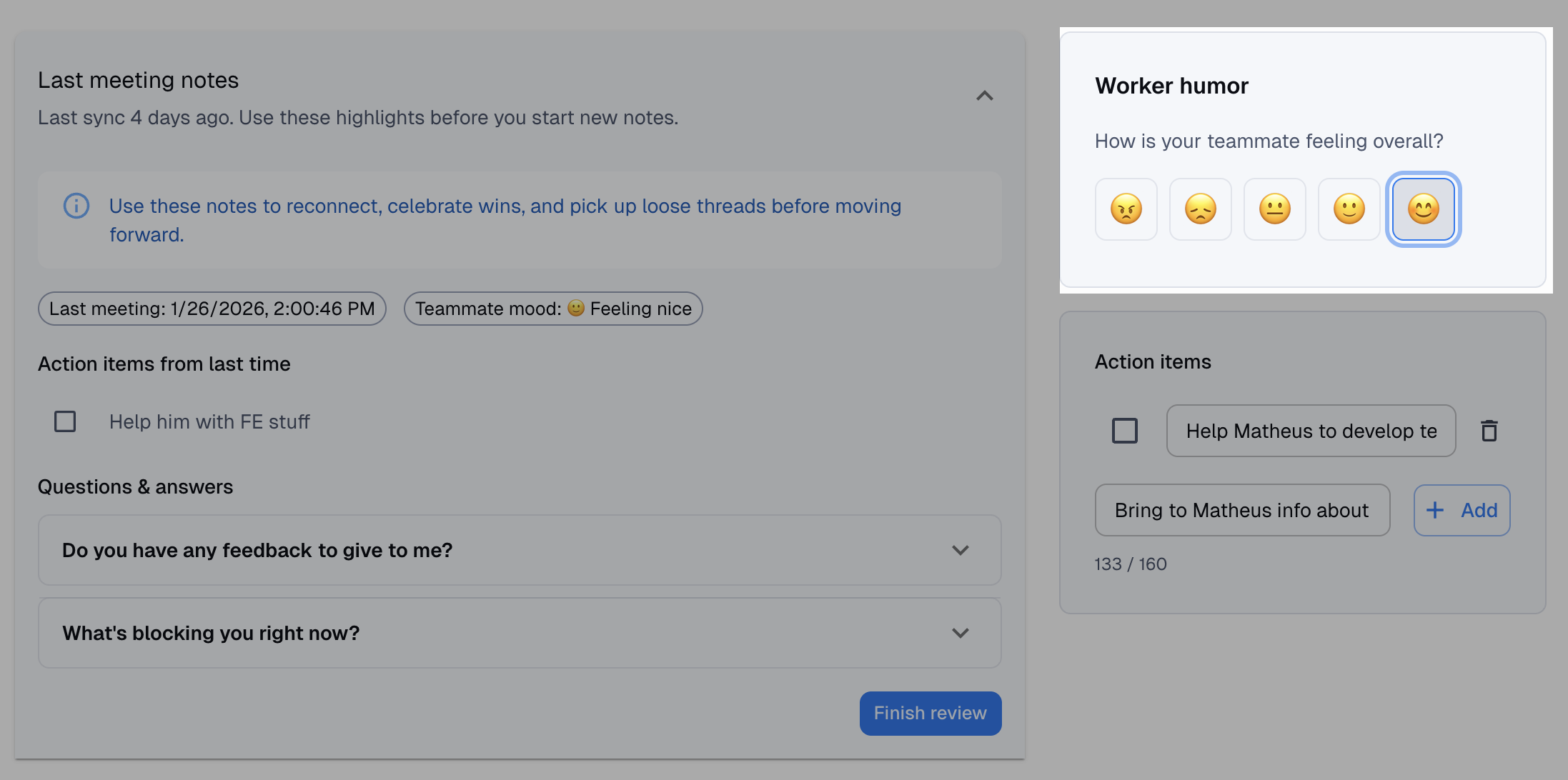 Record your colleague’s overall mood after a meeting.
History and progress over time
Perhaps the most powerful feature of The 1x1 is something simple: memory.
When opening a collaborator’s profile, the leader can see:
- All past meetings;
- Notes, ratings, and moods;
- The evolution of recurring topics;
- The history of commitments made.
This changes the level of the conversation. The leader stops asking “how are you?” in a vacuum and starts asking with context.
Free plan (no credit card required)
The 1x1 was designed to be used for real, not just tested.
That’s why the free plan allows you to:
- Create 1 team;
- Manage up to 5 collaborators;
- Create unlimited 1:1 meetings;
- Use questions, notes, actions, and history;
- No credit card required.
The idea is simple: better leadership shouldn’t depend on a big budget.
Conclusion: less forgetting, more humanity
The 1x1 doesn’t promise to turn bad leaders into good leaders. No software does that.
But it solves something very concrete:
the human inability to remember, connect, and follow up on dozens of important conversations over time.
By structuring 1:1s, recording decisions, and keeping context alive, The 1x1 gives leaders back what they lack most day to day: consistent attention to people.
At the end of the day, good 1:1s are not about productivity.
They’re about remembering that people are not tasks — and deserve to be supported as such.